xiaohongshu 4k video download
A careful, honest guide for users who care about video quality: what 4K really means, when it is available, and how to avoid losing quality while saving a public Xiaohongshu video.

People search for xiaohongshu 4k video download when they do not just want any copy of a video. They want the cleanest version their device can save: sharp text, intact motion, and enough detail for watching on a larger screen or keeping as a reference. That expectation is reasonable, but it also needs one important caveat: a downloader can only save the best available source it can access.
In practice, “4K” depends on the original upload, the media file Xiaohongshu makes available, and what can be parsed from a public link. Some posts may expose a very sharp HD file; some may be lower resolution; a few may have a 4K-level source. The right workflow is to preserve the best available quality, not to promise that every public post magically becomes 4K.
Visual walkthrough


What 4K means in a downloader context
4K usually refers to a video resolution around 3840 pixels wide. It is a display and source quality term, not a button that a website can always create. If the original post was uploaded or delivered in a lower resolution, saving it through a browser will not add real detail. Upscaling can make a file larger, but it cannot recover information that was never present.
A good Xiaohongshu saving flow should therefore focus on original quality or best available quality. That means the tool should avoid screen recording, avoid unnecessary recompression, and present the direct media option when the public link allows it. If a 4K source is available, save that. If the best source is HD, saving the HD file is still better than creating a blurry copy from playback.
How to preserve the best available quality
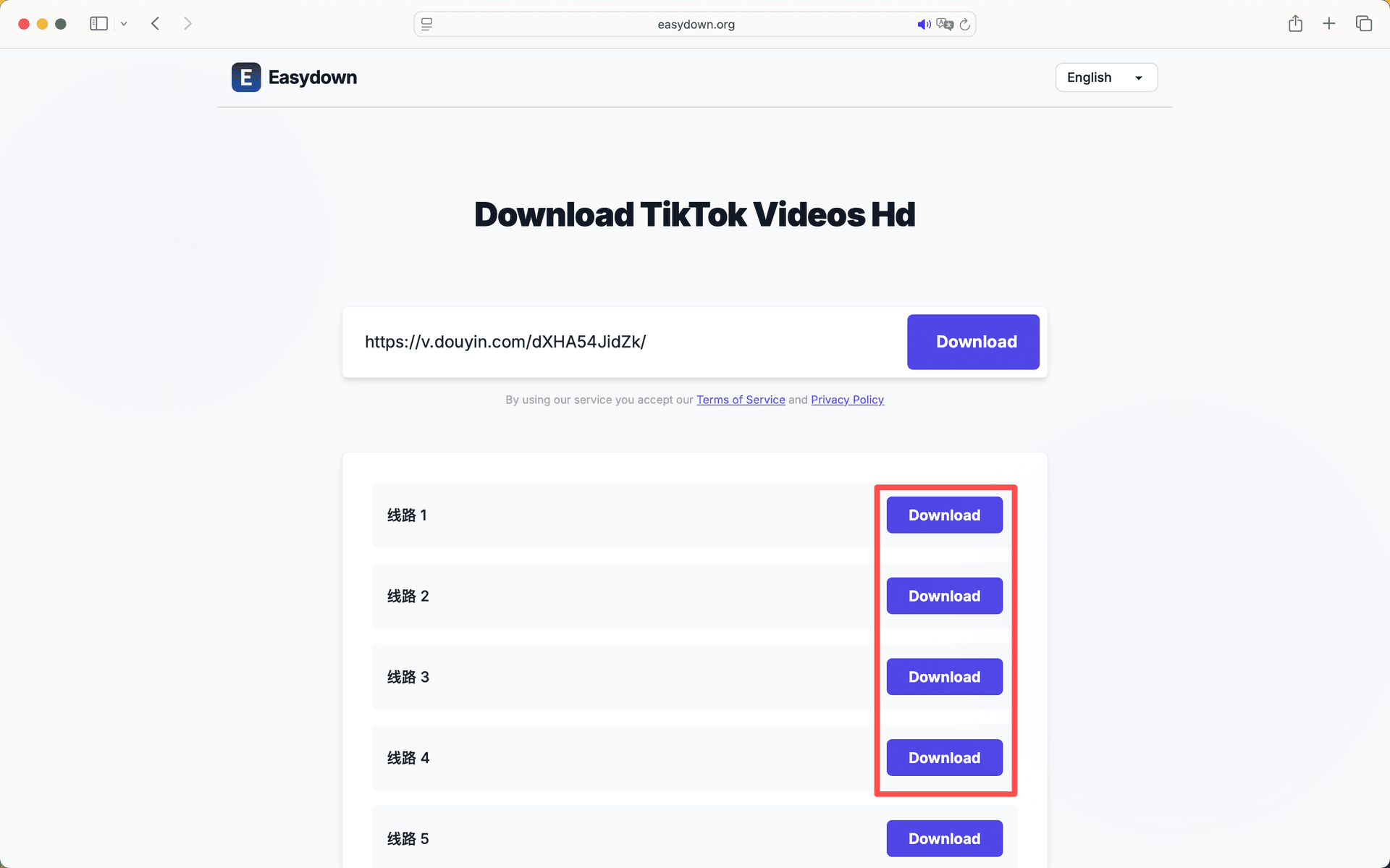
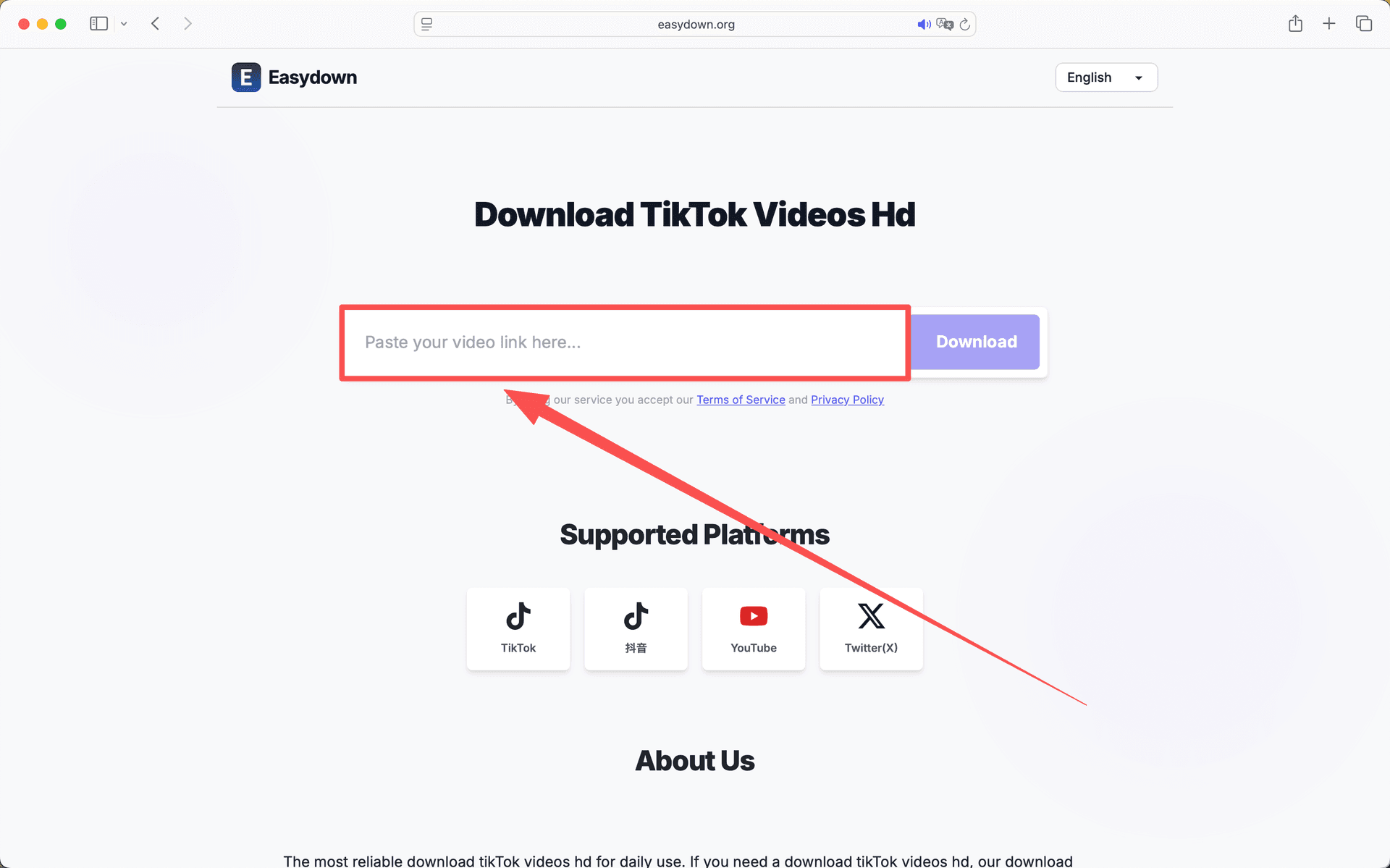
First, copy the share link from the post itself rather than from a message preview or search result. A complete Xiaohongshu or xhslink URL gives the downloader the best chance of resolving the original media. Second, paste the link into the browser tool and wait for the result to finish loading before clicking download. Leaving early or refreshing during parsing can produce incomplete results.
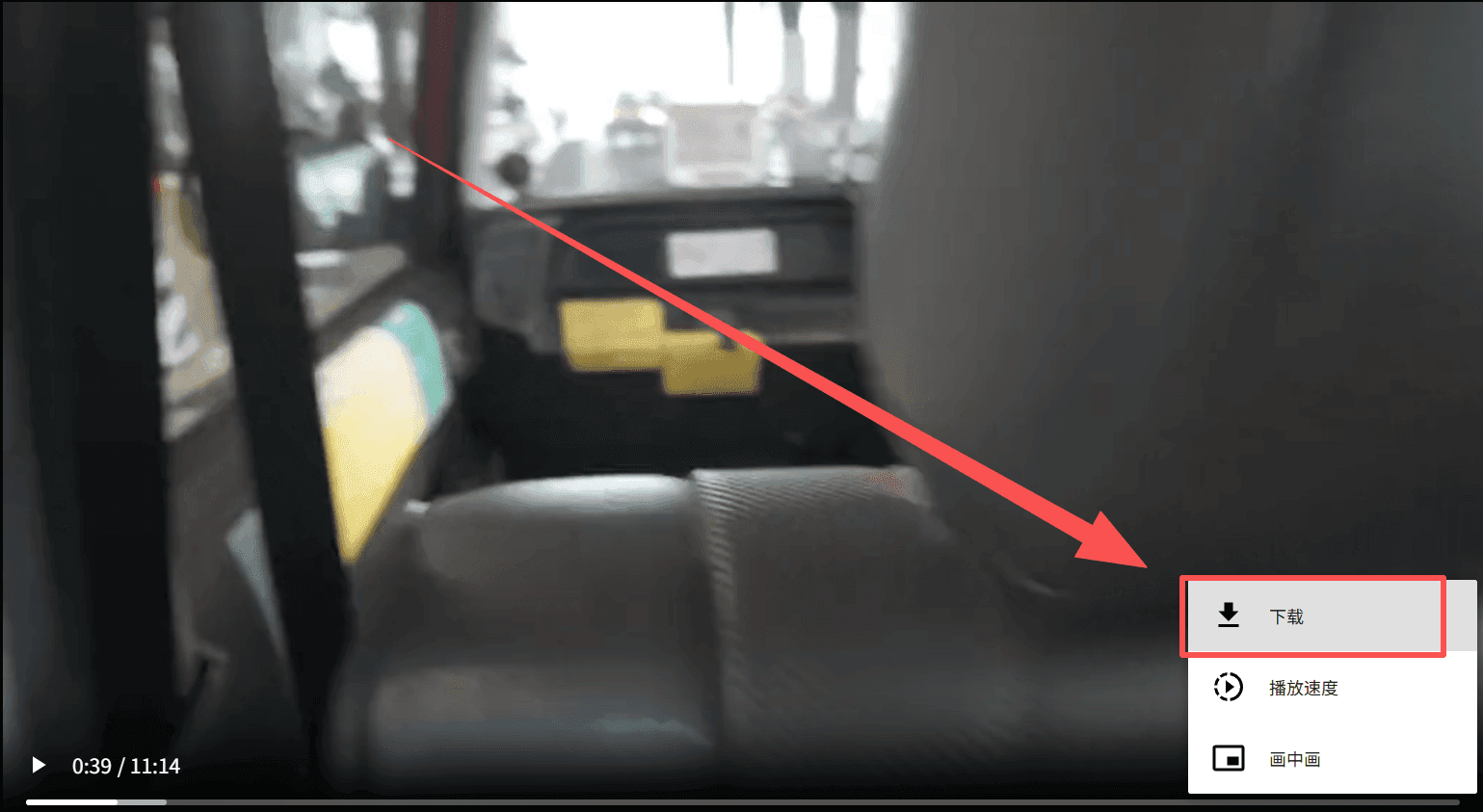
Third, download the file directly to your device. On desktop, use the browser download action or “save link as” if the video opens in a new tab. On mobile, long-pressing the download button can help if the browser tries to preview the file. The goal is to save the media file itself, not to record your screen while the app plays it.
Why some videos are not available in 4K
There are several normal reasons. The creator may have uploaded a lower-resolution video. Xiaohongshu may serve different versions depending on device, bandwidth, or account state. A public share page may expose a compressed file rather than every internal variant. Private or restricted posts may not expose any downloadable media to an external browser at all.
That is why the honest promise is “4K if available.” A quality-focused page should make this boundary clear. If a website claims that every link can be converted to true 4K, treat that claim carefully. Better wording is less flashy, but it is more useful for people who actually care about quality.
When high quality matters most
High-quality saving matters when the video includes text overlays, recipes, product details, outfit references, design inspiration, or tutorial steps. Small compression artifacts that are invisible on a phone can become distracting when you watch on a tablet, laptop, or monitor. Saving the best available file helps keep those details readable.
For casual viewing, HD is often enough. For archiving, editing references, or comparing visual details, it is worth taking one extra minute to confirm the downloaded file looks clean before deleting the original link from your notes.
Quick answers
Does xiaohongshu 4k video download work for every post?
No. It can save the best available quality from a public link, but true 4K depends on the original upload and the source file exposed by Xiaohongshu.
Is direct download better than screen recording?
Yes. Direct saving usually preserves more detail and avoids extra compression, while screen recording depends on playback quality and device settings.
Why is my downloaded file only HD?
The public source may only provide an HD version, or the original post may not have a 4K-quality file available.
Can I improve quality after downloading?
You can upscale a file, but upscaling does not restore real missing detail. It is better to save the best source available from the start.
Related guides
xiaohongshu video downloader no watermark
A practical explanation of clean Xiaohongshu saving: copy the public link, parse the media, understand source limits, and use the file responsibly.
Read guide
How to Download Xiaohongshu Video on iPhone
A simple iPhone-friendly guide for saving Xiaohongshu and RedNote videos in Safari without extra apps or extensions.
Read guide
How to Download Xiaohongshu Video on Android
An Android-focused guide for downloading Xiaohongshu videos in Chrome without installing another app.
Read guide