RedNote / Xiaohongshu

Public media downloader

RedNote Video Downloader

Download public RedNote and Xiaohongshu videos or images from a share link in your browser. No app or login required.

Paste a public link

Paste a public RedNote or Xiaohongshu share link to see available video and image downloads.

No appNo login

No install required. Works on iPhone, Android, and desktop browsers.

After parsing, available formats are organized so you can review videos, images, or albums.

By using our service you accept our Terms of Service and Privacy Policy

How it works

How to download RedNote videos and images

01

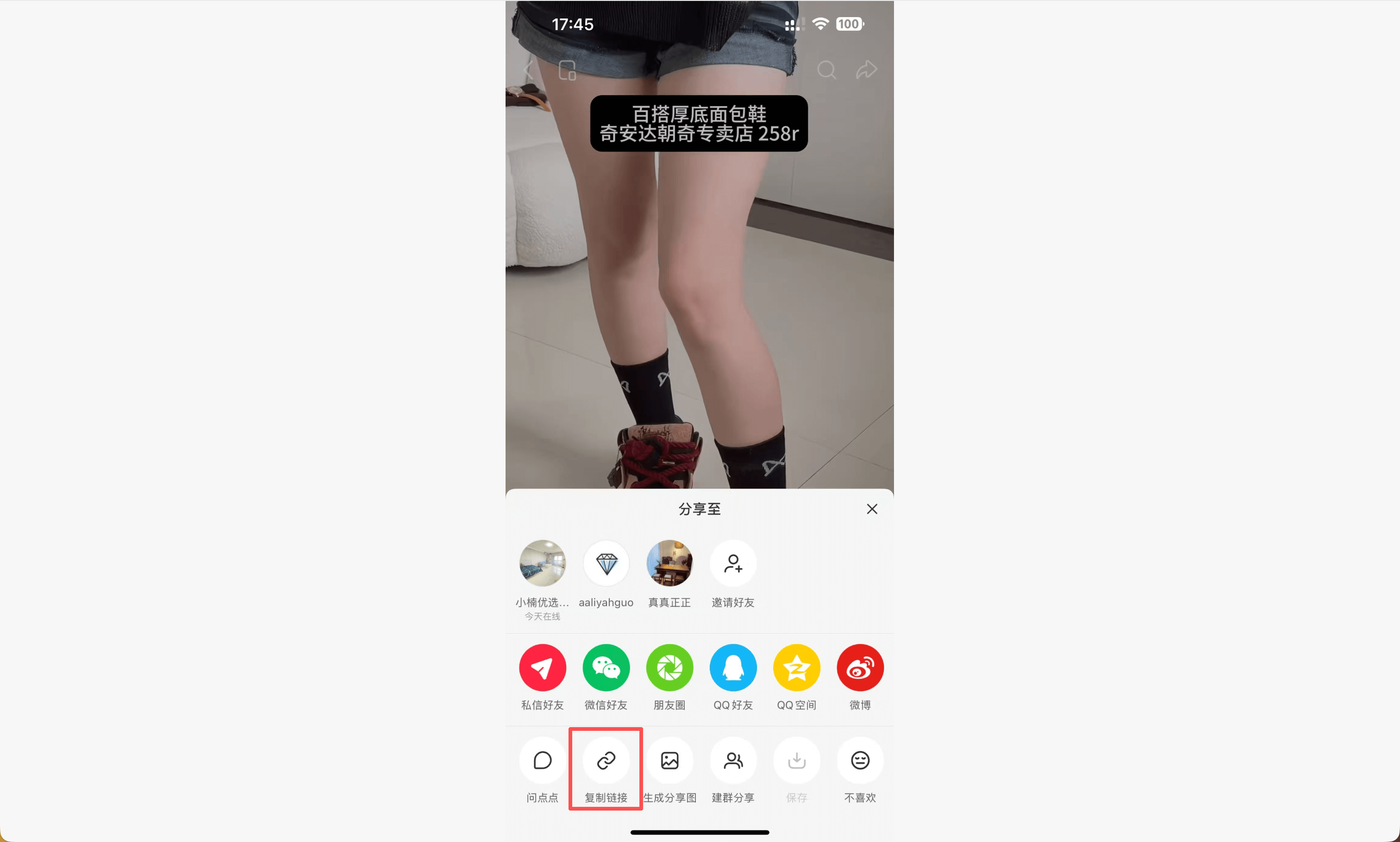
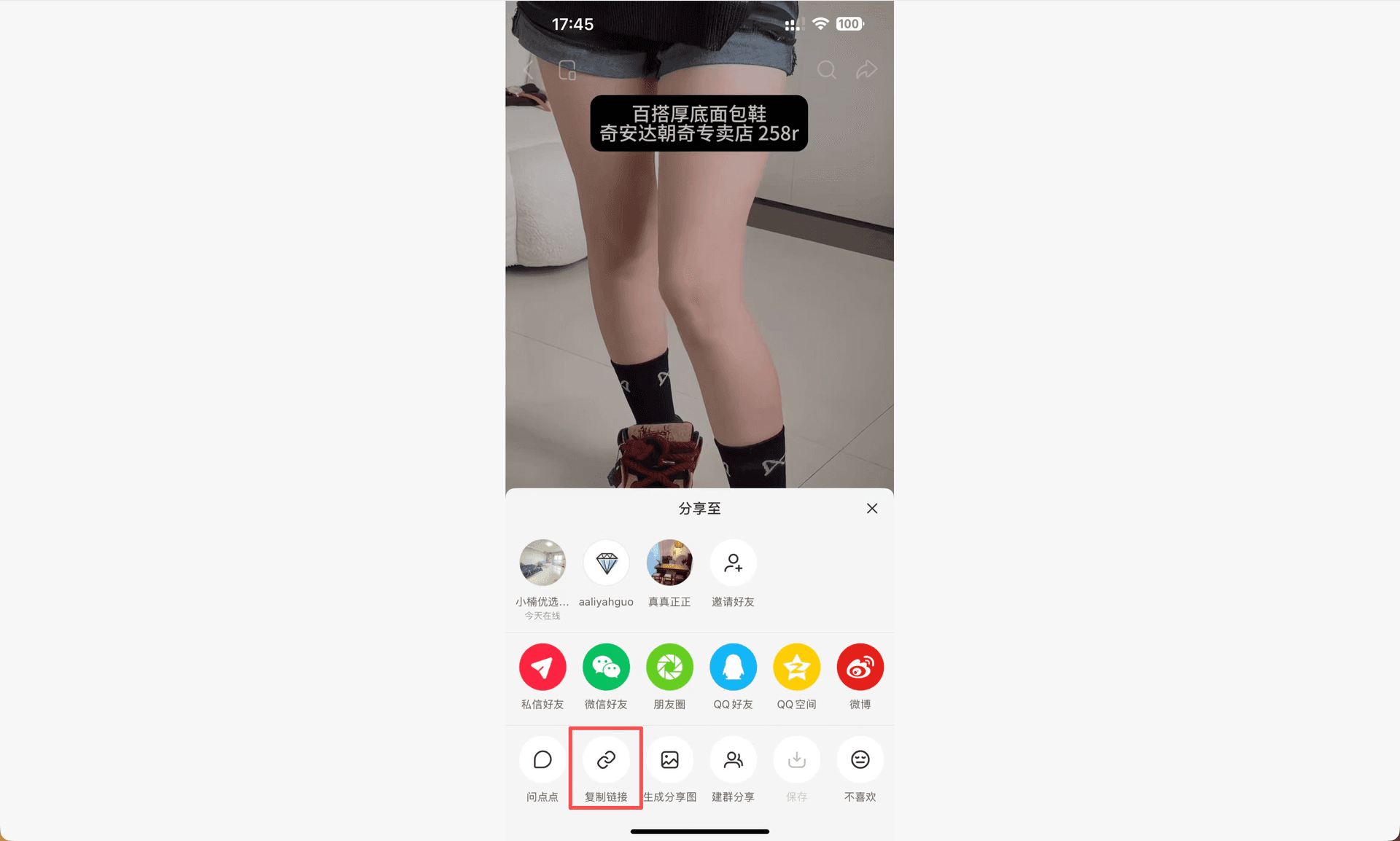
1. Copy the RedNote or Xiaohongshu share link

Option 1

copy rednote link option 1

Option 2

copy rednote link option 2
02

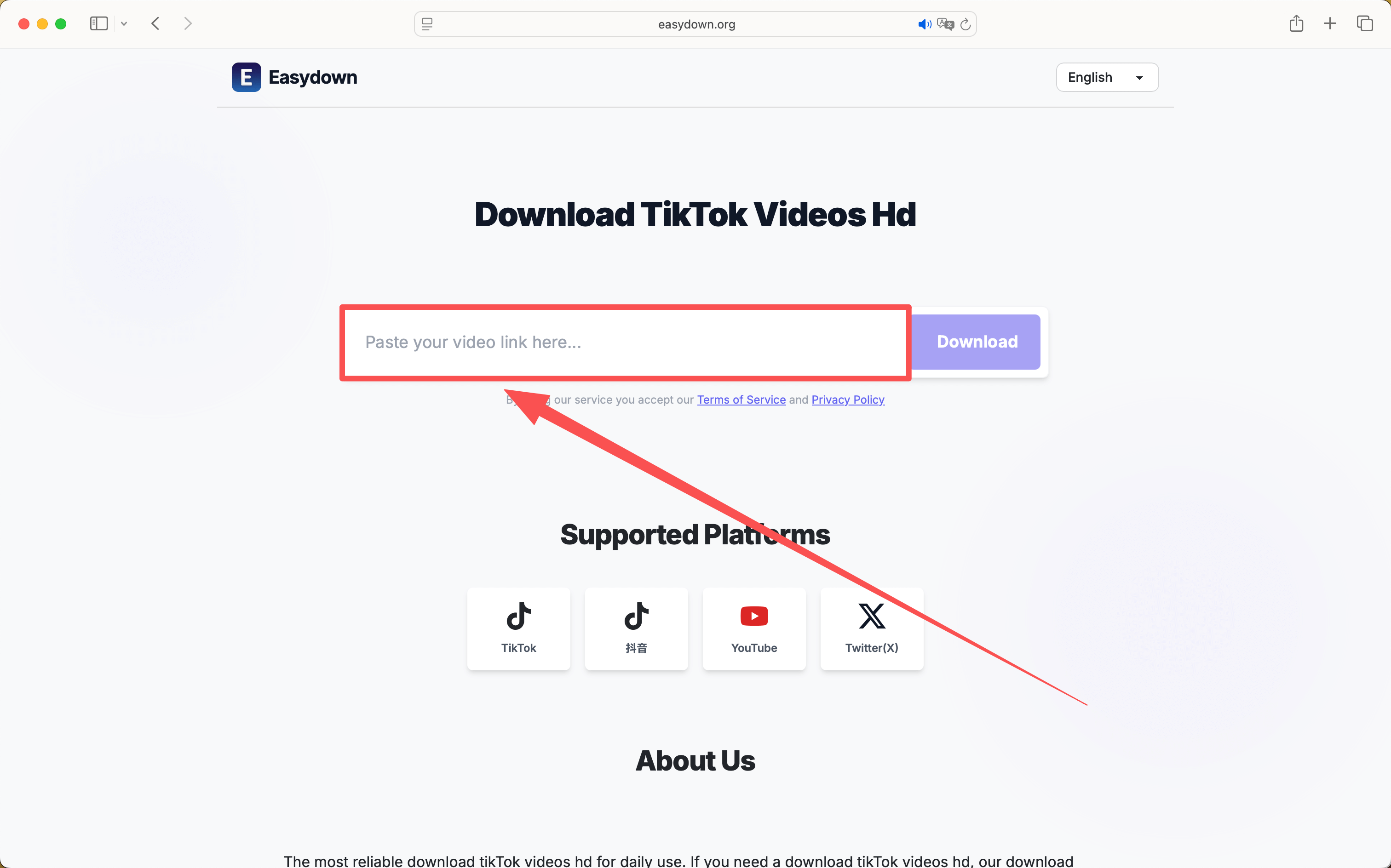
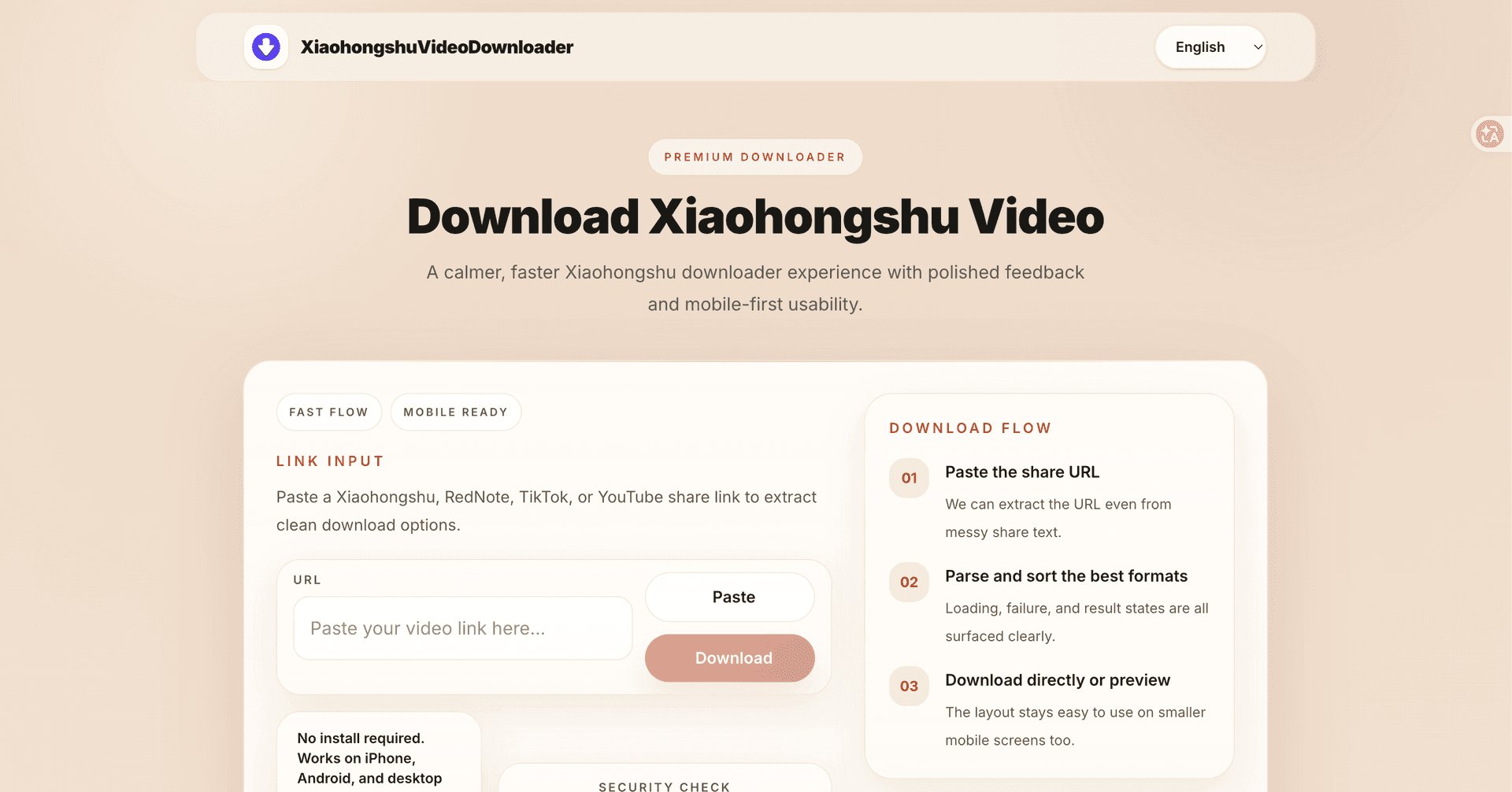
2. Paste the link into the downloader

paste rednote link
03

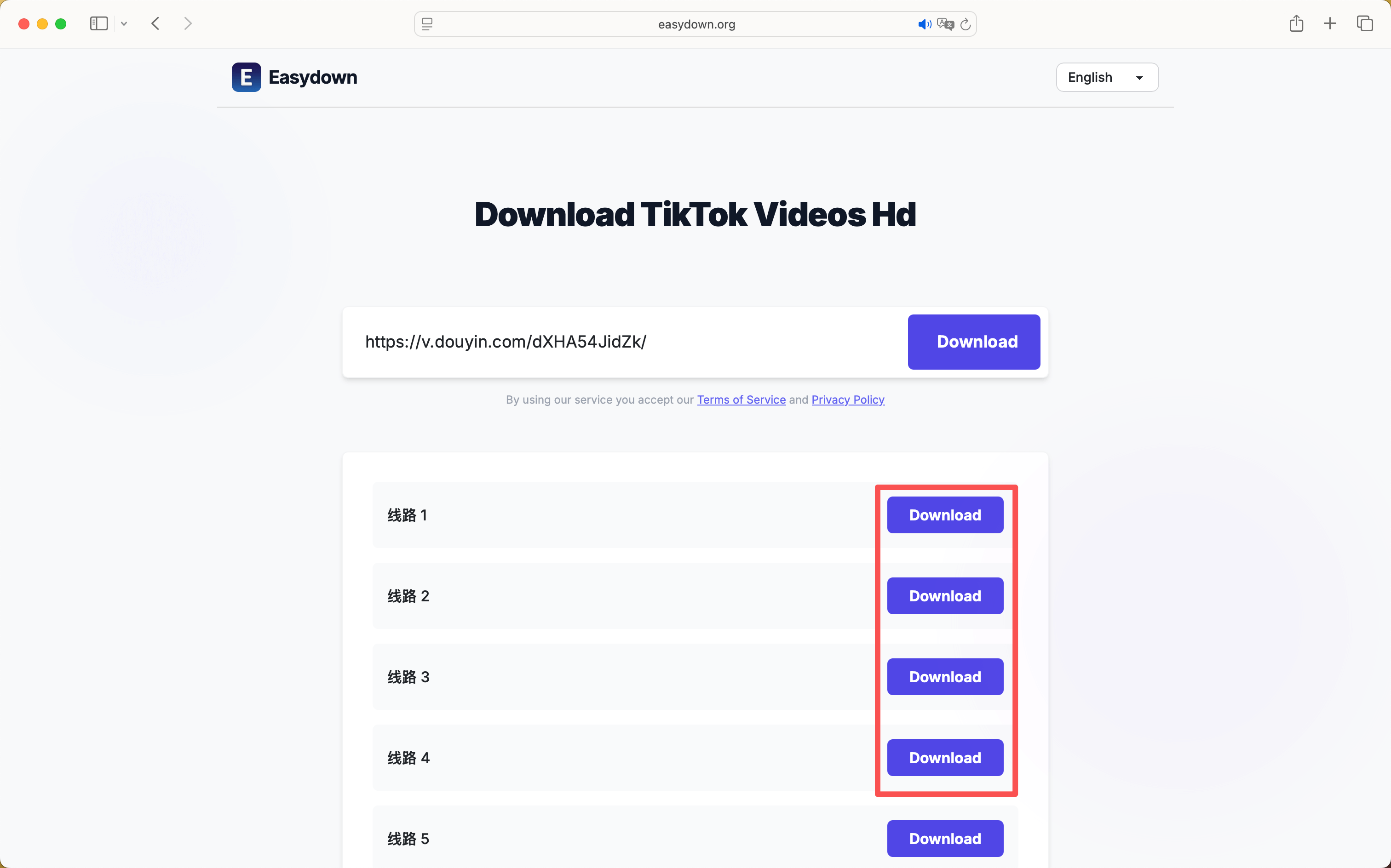
3. Review the available media

rednote step 1
04

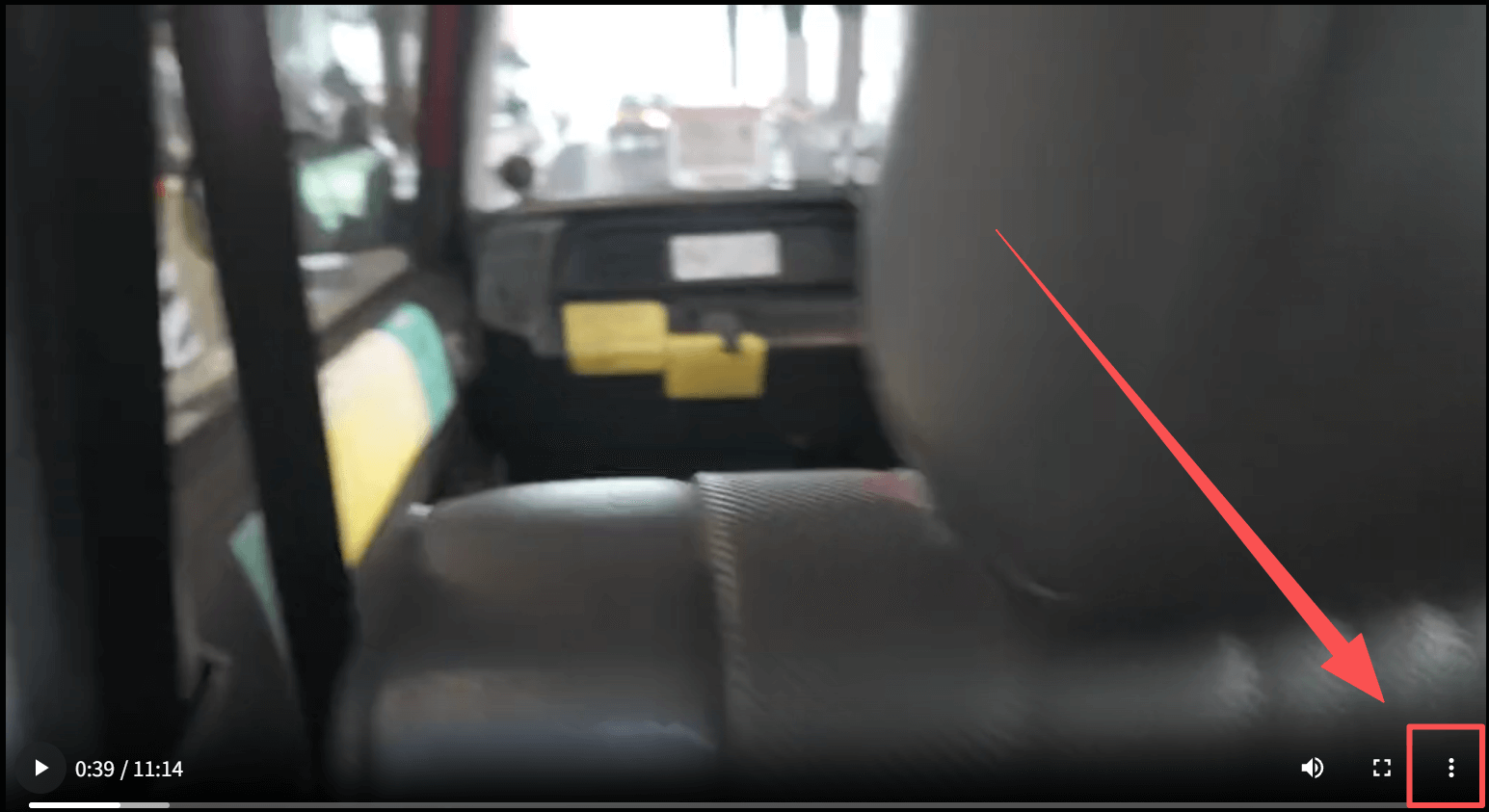
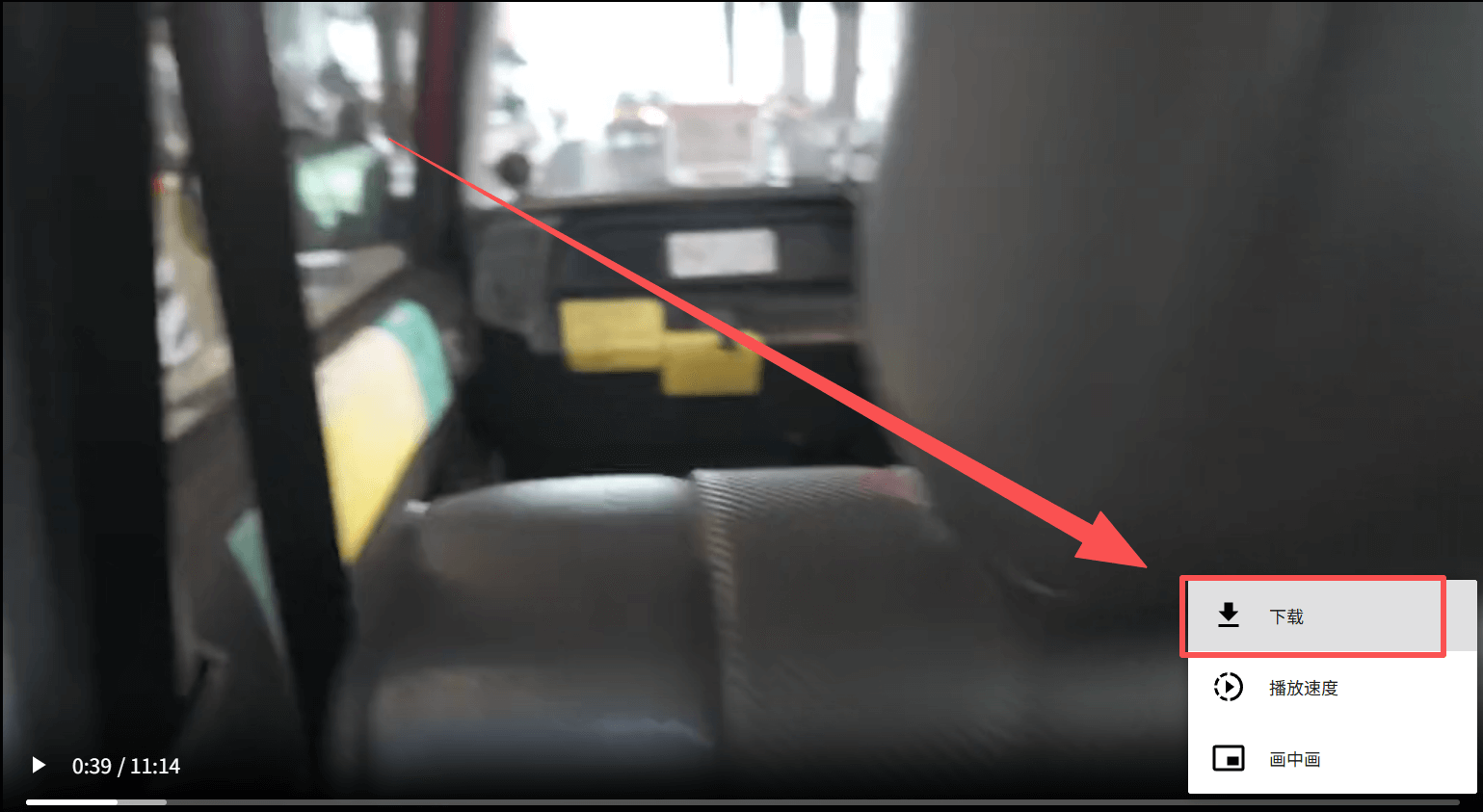
4. Click Download and save the file

rednote step 2
rednote step 3
Popular guides

Popular Guides

Explore focused guides for device-specific downloads, image saving, and common Xiaohongshu troubleshooting.

How to Download Xiaohongshu Video on iPhone

Guide

A simple iPhone-friendly guide for saving Xiaohongshu and RedNote videos in Safari without extra apps or extensions.

Read guide

How to Download Xiaohongshu Video on Android

Guide

An Android-focused guide for downloading Xiaohongshu videos in Chrome without installing another app.

Read guide

How to Download Xiaohongshu Photos

Guide

A focused guide for saving single-image Xiaohongshu posts in the browser while keeping image quality clean and easy to manage.

Read guide

How to Download a Xiaohongshu Album

Guide

A practical guide for saving Xiaohongshu multi-image albums when a single post contains several photos you want to keep together.

Read guide

Why Xiaohongshu Video Download Is Not Working

Guide

A troubleshooting page for users whose Xiaohongshu or RedNote download flow fails during parsing, loading, or saving.

Read guide

Xiaohongshu No Watermark Downloader Guide

Guide

A dedicated landing page for users searching for a Xiaohongshu downloader without watermark and wanting the simplest browser workflow.

Read guide

Xiaohongshu downloader interface for high quality video

xiaohongshu 4k video download

Article

A careful, honest guide for users who care about video quality: what 4K really means, when it is available, and how to avoid losing quality while saving a public Xiaohongshu video.

Read guide

No watermark Xiaohongshu downloader feature

xiaohongshu video downloader no watermark

Article

A practical explanation of clean Xiaohongshu saving: copy the public link, parse the media, understand source limits, and use the file responsibly.

Read guide

RedNote share link copy flow

rednote video downloader without watermark

Article

A calm, practical guide for RedNote users who want a clean local copy without installing another app or handing over account details.

Read guide

RedNote downloader browser workflow

rednote downloader

Article

A broader guide for RedNote users who want to save videos, image posts, or albums without installing extra software.

Read guide

Product highlights

Why use XiaohongshuVideoDownloader?

A straightforward browser tool for saving public RedNote and Xiaohongshu media.

01

Lightning Fast

A simple link-based workflow that keeps the download process short.

02

No Watermark

When a clean source is available, choose the available media file without an added platform overlay.

03

HD Quality

The result reflects the best quality file exposed by the public source.

04

Video & Images

Check both video posts and image albums from one public share link.

05

Free & No Login

Use the browser tool without creating an account first.

06

Multi-Line Backup

If a public link cannot be read, the page explains common link and visibility limits.

About

About XiaohongshuVideoDownloader

XiaohongshuVideoDownloader is a browser-based tool for saving public RedNote and Xiaohongshu posts. If a note contains a video, image, or album, you can copy its share link, paste it into the downloader, and review the media that the public source makes available.

The service does not require an app or account. Public links are the important boundary: private, deleted, expired, or incomplete posts may not be readable. Use downloaded material responsibly and follow the creator's rights and the platform's rules.

FAQ

RedNote Video Downloader FAQ - XiaohongshuVideoDownloader

What is XiaohongshuVideoDownloader?

XiaohongshuVideoDownloader is a browser-based RedNote and Xiaohongshu video downloader for public share links. Paste a link to see the videos, images, or albums that the source makes available.

How do I download a RedNote video?

Copy the public share link from RedNote or Xiaohongshu, paste it into the downloader, review the available result, and click Download. A clean file is shown only when the public source provides one.

Can I download Xiaohongshu videos on iPhone, Android, or PC?

Yes. It works in current mobile and desktop browsers, including iPhone Safari, Android Chrome, and common PC browsers. You do not need to install a separate downloader app.

Can I download Xiaohongshu images and photo albums?

Yes, public image posts and albums may return image files as well as videos. The number and quality of files depend on what the public post exposes.

What video quality can I download?

The downloader shows the best file that the public source makes available. It cannot create a higher resolution than the original or bypass a private post.

Why is my RedNote link not working?

Check that the post is public, still opens in RedNote, and that you copied the complete share link. Private, deleted, expired, or incomplete links may not be readable.

Do I need to install any app or extension?

No. The service runs in your browser, so you can paste a public link without installing an app or extension.

Where are downloaded files saved?

Browsers usually save downloaded files in the device's Downloads folder. If a file opens in a new tab, use the browser's save or download command.

Does XiaohongshuVideoDownloader store my links or download history?

The page is designed for one-off link parsing and does not require an account. Review the Privacy Policy for the current details about service data and requests.

What should I know before using a downloaded file?

Only save and reuse content when you have the right to do so. Respect the creator's copyright, privacy, and the rules that apply to the RedNote or Xiaohongshu post.