Article8 min readUpdated 2026-06-30

rednote video downloader without watermark

A calm, practical guide for RedNote users who want a clean local copy without installing another app or handing over account details.

RedNote share link copy flow

A rednote video downloader without watermark is useful when you have found a public RedNote post that you want to keep for offline viewing or personal reference. RedNote is the international name many users use for Xiaohongshu, so the link workflow is usually familiar: copy the share link, paste it into a browser tool, wait for the media result, and save the file.

The cleanest experience comes from understanding what the tool can access. Public posts are the normal use case. Private posts, deleted notes, region-limited content, or media with a logo baked into the original upload may not produce a clean downloadable file. A good downloader should make those limits clear instead of hiding them.
Visual walkthrough

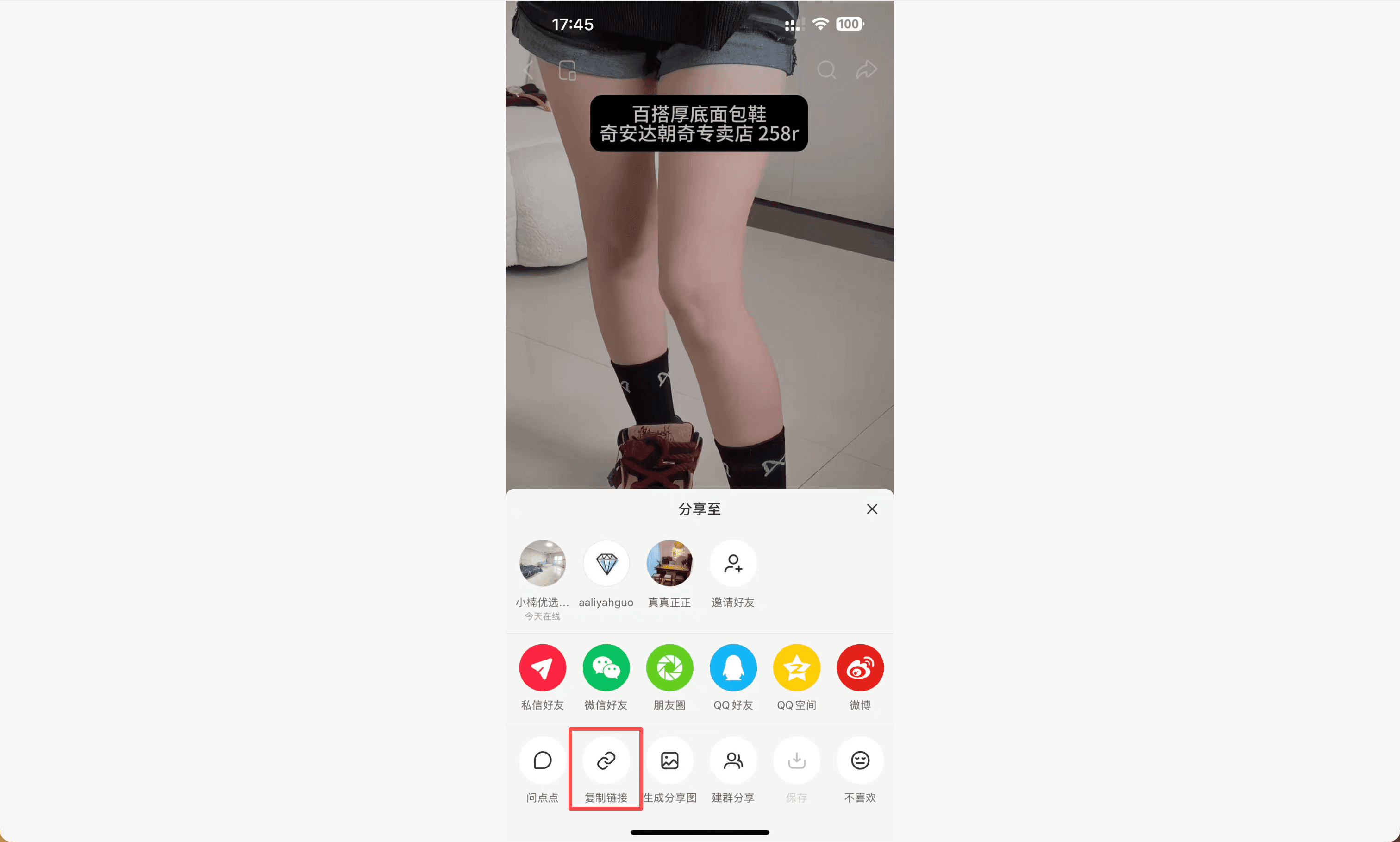
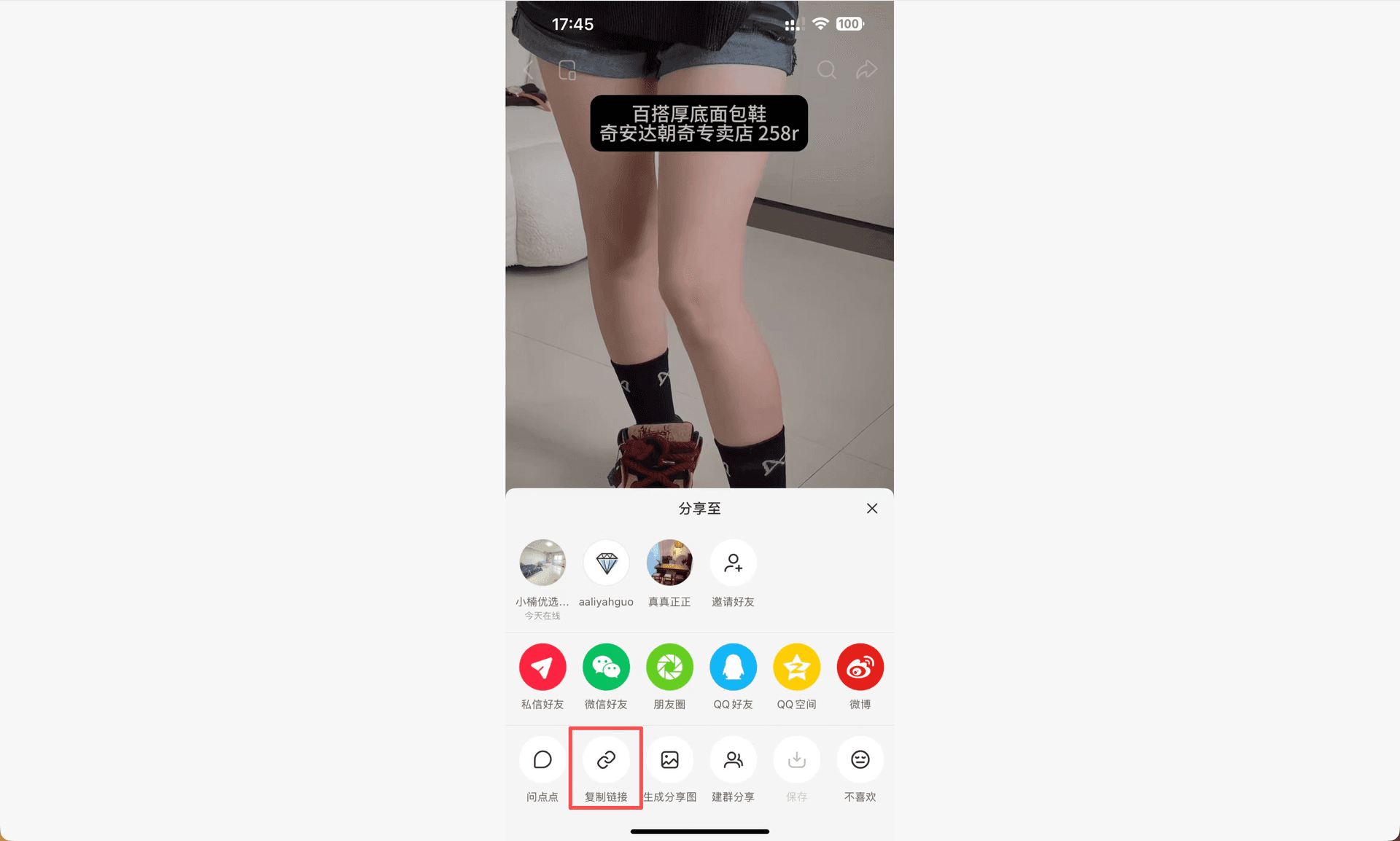
Copy RedNote share link from the post
Use the post share menu and copy the full link before opening the browser downloader.
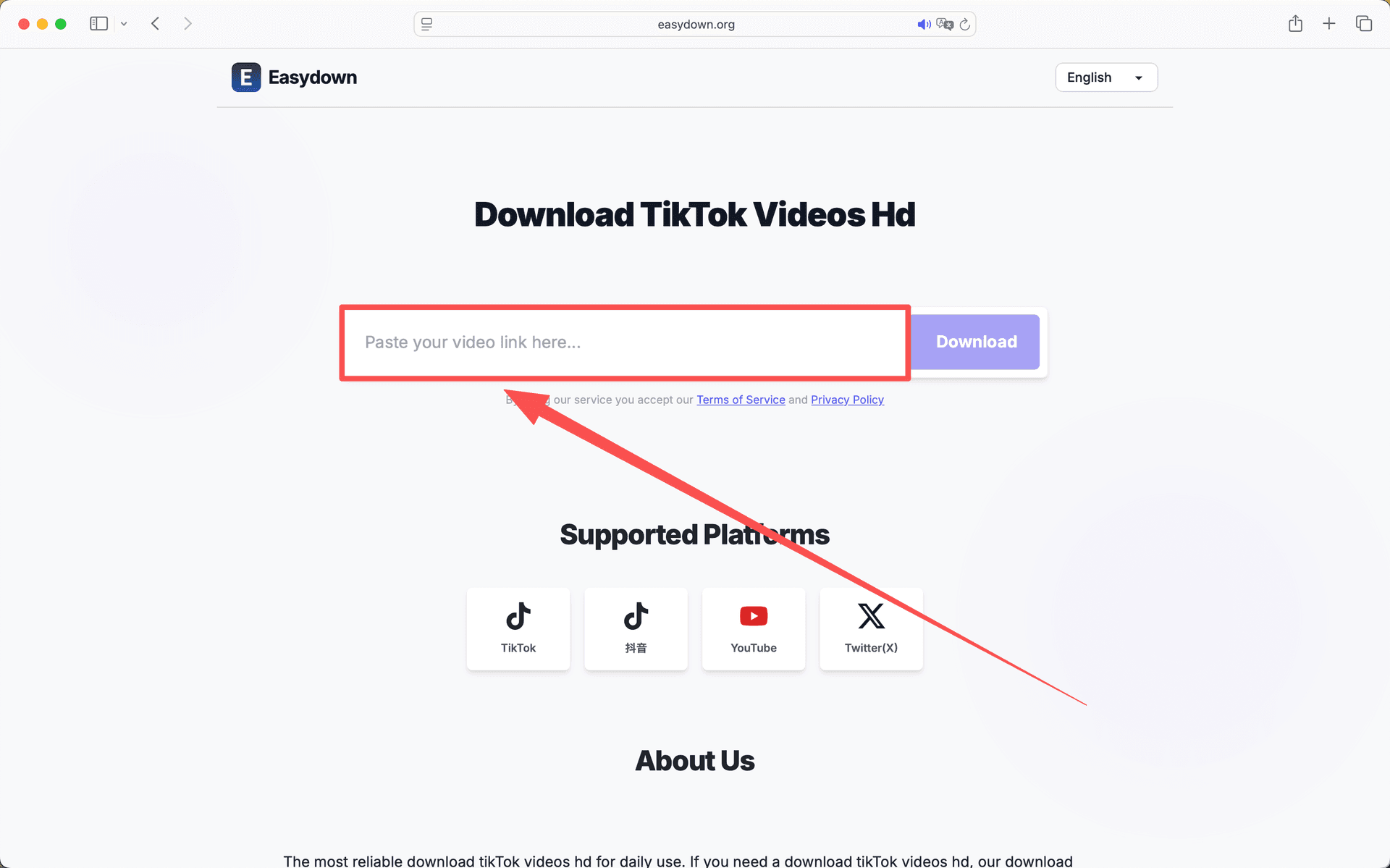
Paste a RedNote link into the downloader
The downloader only needs the public link, not your RedNote account password.
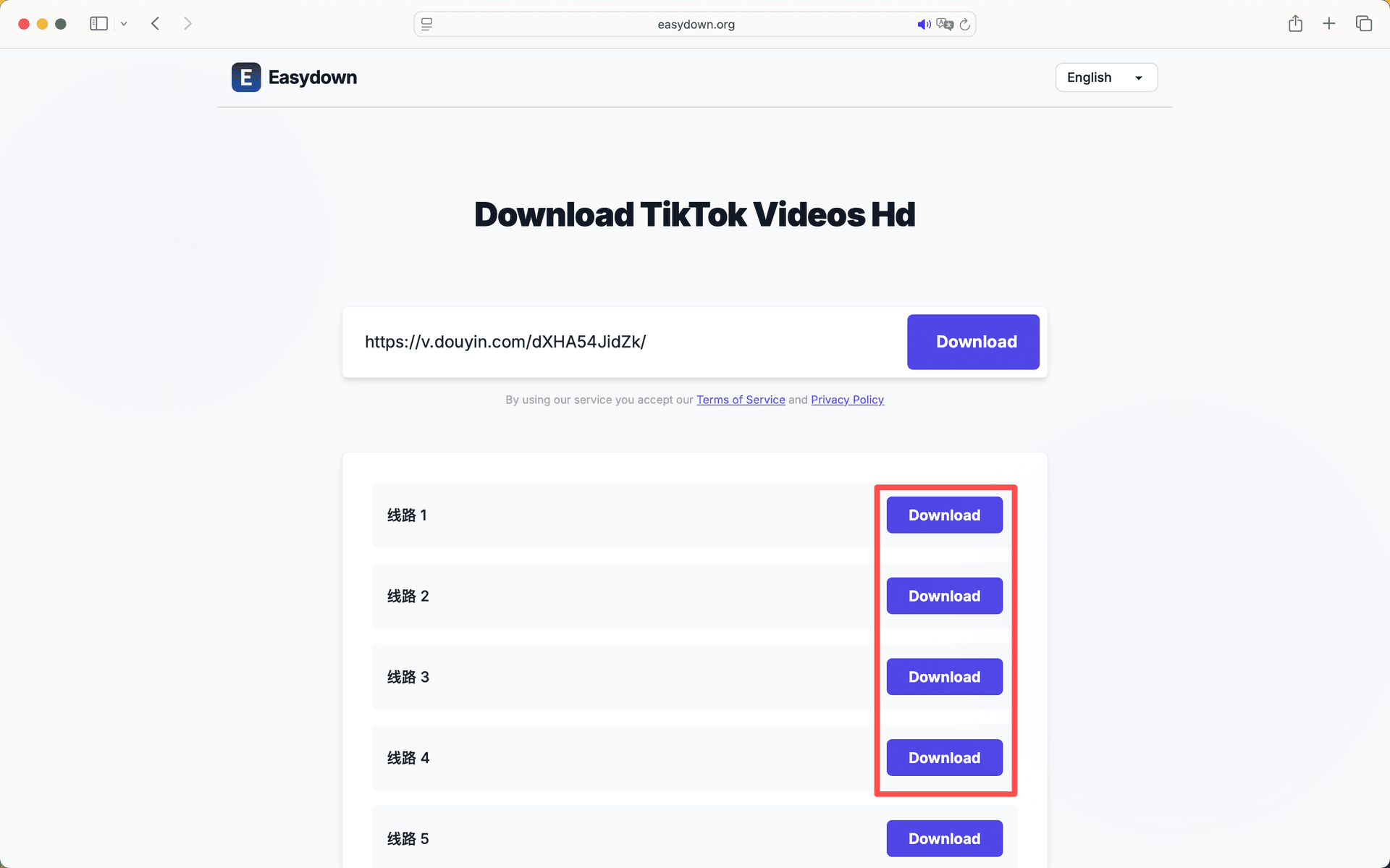
Parsed RedNote media result
Once parsing finishes, choose the available media file and save it to your device.

RedNote and Xiaohongshu links are closely related

Many English-speaking users discovered RedNote through the app name, while long-time users may still call the same platform Xiaohongshu or Little Red Book. The names can be confusing, but the download workflow is usually based on the same kind of share link. If a public RedNote post opens through a Xiaohongshu-style URL, a link-based downloader can often process it the same way.

That is why you may see both names on a downloader page. The important detail is not the label; it is whether the link points to a public note with accessible media. If the link opens normally in a browser, the chances of a successful parse are much better.

How to save a clean RedNote video

Start inside the RedNote app. Open the post, tap the share control, and copy the link. Then open the downloader in Safari, Chrome, or your desktop browser, paste the link, and let the tool parse the page. When a result appears, use the download action rather than recording the video while it plays.

On iPhone, Safari may preview the file instead of immediately saving it. Long-pressing the download button or using the share sheet can help you save it to Files. On Android, Chrome often stores the file in Downloads. On desktop, “save link as” is useful if the media opens in a new tab.

When watermark-free output is available

A clean RedNote saving flow can only work with what the public source provides. If the platform exposes a clean media file, the saved result can be free of the playback watermark. If the creator added text, logos, or a signature before uploading, those marks are part of the original video and should not be treated as removable platform watermarks.

This distinction matters because it sets realistic expectations. Clean output is possible for many public videos, but it is not guaranteed for every post. Quality, watermark state, and file availability are all controlled by the source media and platform delivery.

Use the downloaded file responsibly

Downloading a public video for personal reference is different from reposting someone else’s work. If you plan to publish the video elsewhere, edit it into another project, or use it for commercial purposes, get permission from the creator. The absence of a watermark is not the same as a license.

For everyday use, keep your process simple and private: save recipes, tutorials, travel ideas, product demos, or styling references into your own folders. Add the original link alongside the file if you may need to credit or revisit the creator later.

Quick answers

Does rednote video downloader without watermark require login?

No. A browser workflow should only require the public share link. You should not provide your RedNote password to a downloader.

Why do some RedNote links fail?

The post may be private, deleted, restricted, or the copied text may not include the complete URL.

Can I use the same workflow on iPhone and Android?

Yes, but the final save action differs. iPhone users may need the share sheet or Files app, while Android usually saves to Downloads.

Is a clean saved file free to repost?

No. Always respect creator rights and get permission before reposting or using the file outside personal reference.

Related guides